|
| Amazon Kindle Display |

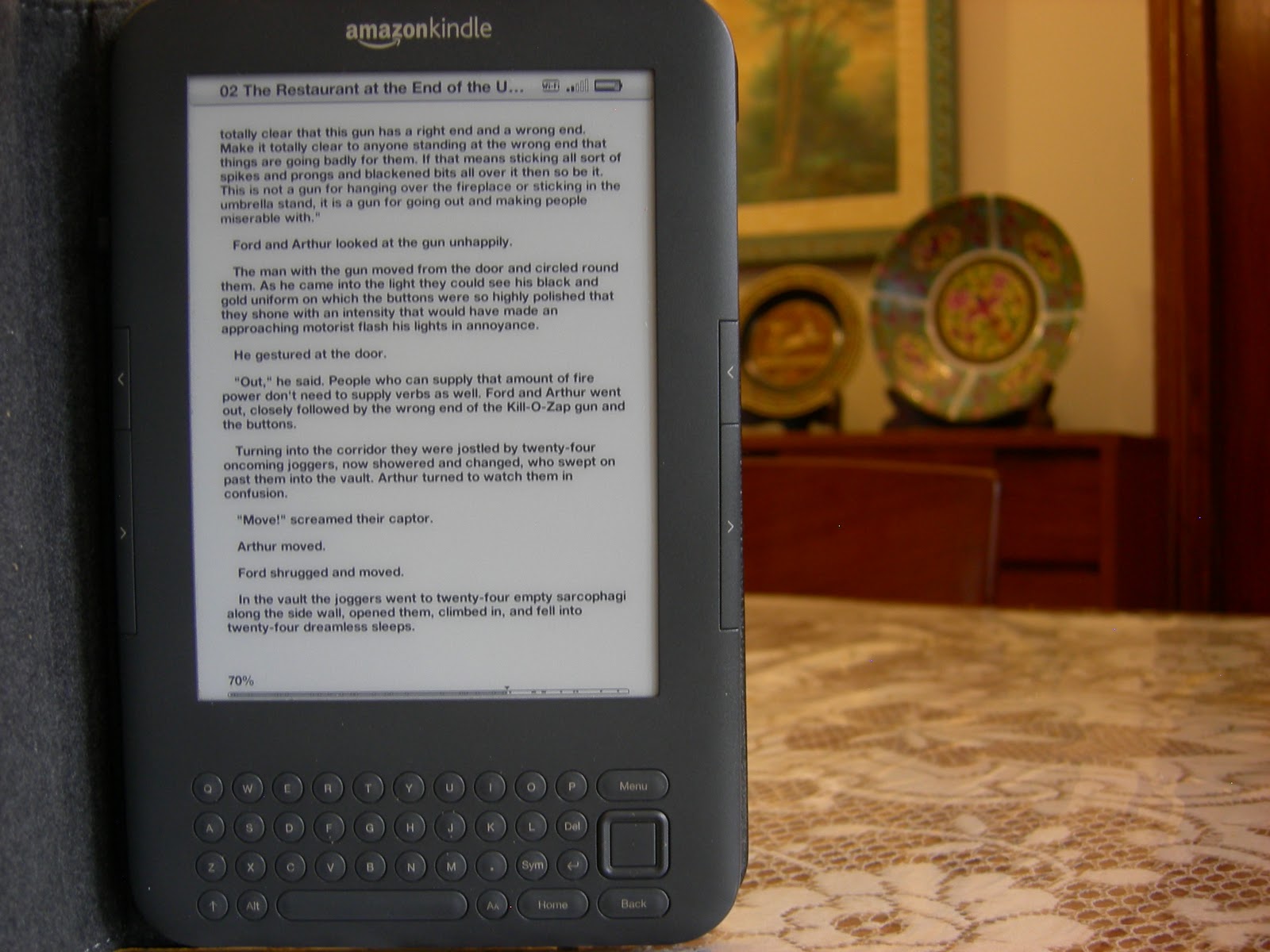
The Amazon Kindle with a 6 inches display was released in 2012, and is the simplest Kindle released to date without a keyboard or touch screen. It was unveiled alongside the Kindle Fire and the Kindle Touch (now upgraded to the Kindle Paperwhite) and was an upgrade from the Amazon Kindle Keyboard. It is sold with and without special offers, accounting for a price difference between the two models.
SPECIFICATIONS:

DISPLAY:
The Amazon Kindle features its traditional 6 inches monochrome screen harbouring its winning E-ink pearl technology, which is designed to replicate a page minimizing the brightness and strain of a screen. This model does not feature a back light (available in the Kindle Paperwhite), which may require you to either sit by a lamp or buy a cover with a built-in light from Amazon which is roughly, equal in price to the Kindle itself. Amazon has, however, brought improvements in the page turning speed and a noticeable difference in the refreshing time of the E-ink when the display is changed.
 |
| Amazon Kindle 2012 Display |
BUTTONS:
 |
| Amazon Kindle Buttons |
 |
| Kindle-Pencil Comparison |
HARDWARE:
Weighing less than 200 grams, the Kindle is incredibly light, portable and slim. It easily fits into your bags and large jacket pockets. It is smaller than the Kindle Keyboard, and more sturdy than a tablet. The black design may look stylish but I have no kind words for it as it easily shows fingerprints and smudges. The backside of a slightly used Kindle, looks like a scarred war hero from imprints made when handling.
EASE OF USE:
The fact that my technology-ignorant mother is besotted by the Kindle, is hard evidence that it is very easy to use. You can manage and buy books online through the built-in Kindle Store, without ever needing to connect it to your computer.
Using a USB 2.0 connection, transferring files to your Kindle is easy using the 'drag-and-drop' method with windows explorer, requiring no new program to be installed.
SPECIAL OFFERS:
 |
| Amazon Kindle with Special Offers Screensaver |
For those tight on a budget, opting for a Kindle with special offers can save $20. Amazon has been considerate in ensuring the best reading experience, and so there are no ads whatsoever when reading. The only time you'll notice them is when your device is off or when selecting a new book.
The special offers (or as we like to call them - ads) appear either when the screen is turned off, replacing the screensaver, or as a banner at the bottom of the home screen. The only drawback is that because the ads need Wi-Fi to refresh; it will continually use it draining the battery. And even if you've manually turned the Wi-Fi off, the Kindle will turn it back on again later.
If you do eventually grow tired of the ads, you have the option to shell out an extra $30 and remove the ads without changing your Kindle or fiddling with any technical settings.
EXTRA FEATURES:
The Kindle can also display notes and documents formatted in pdf or plain text in .txt (to convert downloaded books of other formats to the Kindle format without any conversion program, click here). A web browser is also included within the Kindle; good for the occasional Google search when you have no other device in hand. The black and white browser has slow connectivity, one-window browsing, no flash and is hard to navigate, so you can not expect to web surf on it.

BATTERY LIFE:
The Amazon website boasts of 4 weeks of battery with the Wi-Fi turned off. However, when tested the special offers edition, the battery only lasted a week with the Wi-Fi continuously on (as the Wi-Fi can not be turned off for long, without it turning back on itself). It charges quickly within one and a half hour.
VERDICT:
This model of the Kindle is perfect for a low budget eBook reader. Packed with the best of Kindle's features at a very affordable price. For anyone upgrading from the previous generation Kindle Keyboard, they should bypass this model and opt for the Paperwhite. Accessories of the other models do not fit on this, and users of the mp3 feature in the Kindle Keyboard will sorely miss its absence. Going for the special offers edition, is as good as buying the fully priced one, as you'll enjoy the same reading experience and functionality on both. Many users will eventually want to buy the lighted cover, which is a whooping $60. Cumulatively, it equals the price of the Paperwhite, so you're better off going for that if you know you'll be needing the light.
All in all, I'd give it an 8.5/10 for bringing the ultimate Kindle experience at a great price, but it looses a star for not bringing any new features.
Read on:
 |
| Convert pdf, lit or epub to Kindle format without a conversion program |
 |
| iPad 2 vs Kindle Fire |
 |
| Kindle Keyboard Review |